


Semgrep for your agents
Semgrep MCPThe Semgrep MCP server gives any agent access to the full Semgrep suite, so it can act on whole vulnerability classes, not one finding at a time. Just point your agent at the server.

Find and fix the issues that matter in your code (SAST)

Fix vulnerabilities in open source dependencies and block malware

Find and fix hardcoded secrets with semantic analysis

Scan and fix AI-generated code the moment it's written

Combine AI reasoning with rule-based analysis for detection, triage, and remediation

Automate, manage, and enforce security across your organization

Build and deploy security pipelines that combine static analysis with AI at scale

Protect against software supply chain attacks

Increase security while accelerating development

Prevent the most critical web application security risks

Protect Your Code with Secure Guardrails

Mitigate software supply chain risks
Increase security while accelerating development

Want to read all the docs? Start here

Get the latest news about Semgrep
See how Semgrep can save you time and money

Join the friendly Slack group to ask questions or share feedback
Join us at a Semgrep Event!
See why users love Semgrep
View our library of on-demand webinars
Semgrep for your agents
Semgrep MCPThe Semgrep MCP server gives any agent access to the full Semgrep suite, so it can act on whole vulnerability classes, not one finding at a time. Just point your agent at the server.
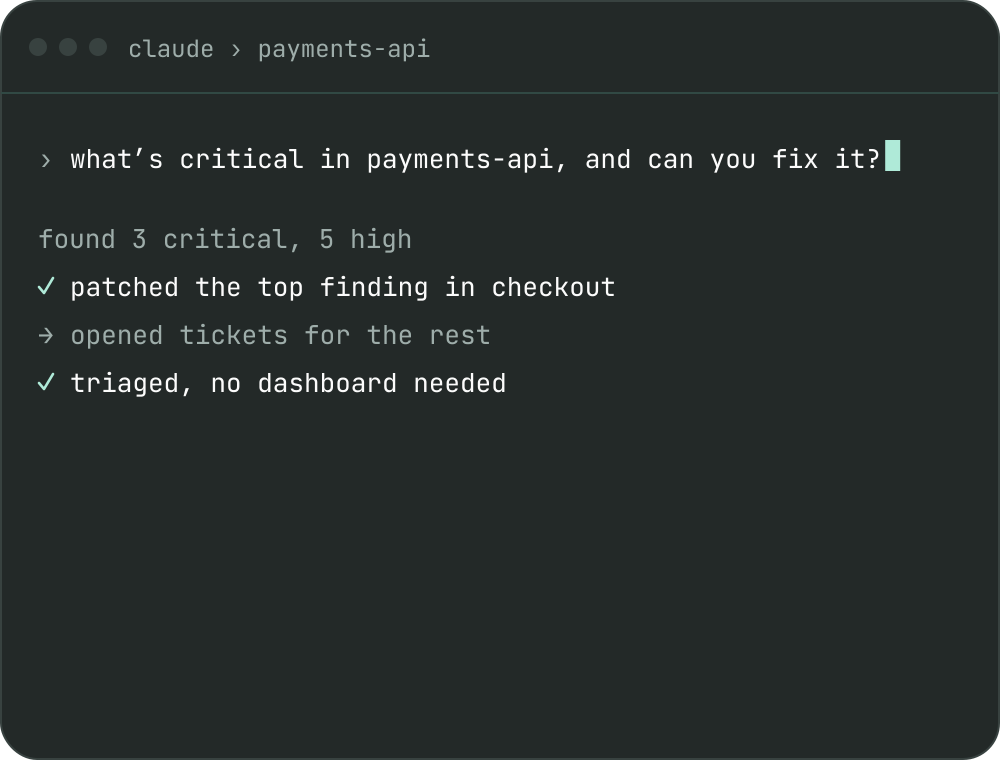
Prompt Semgrep in your workflow
Point your agent at Semgrep and it can hunt, triage, and resolve whole vulnerability classes across your codebase, as fast as agents write code.
Just prompt to secure, no dashboards to navigate.
The world's most trusted AppSec, now for your agents
All of Semgrep, just prompt your agent. If you can do it in Semgrep, your agent can call it.
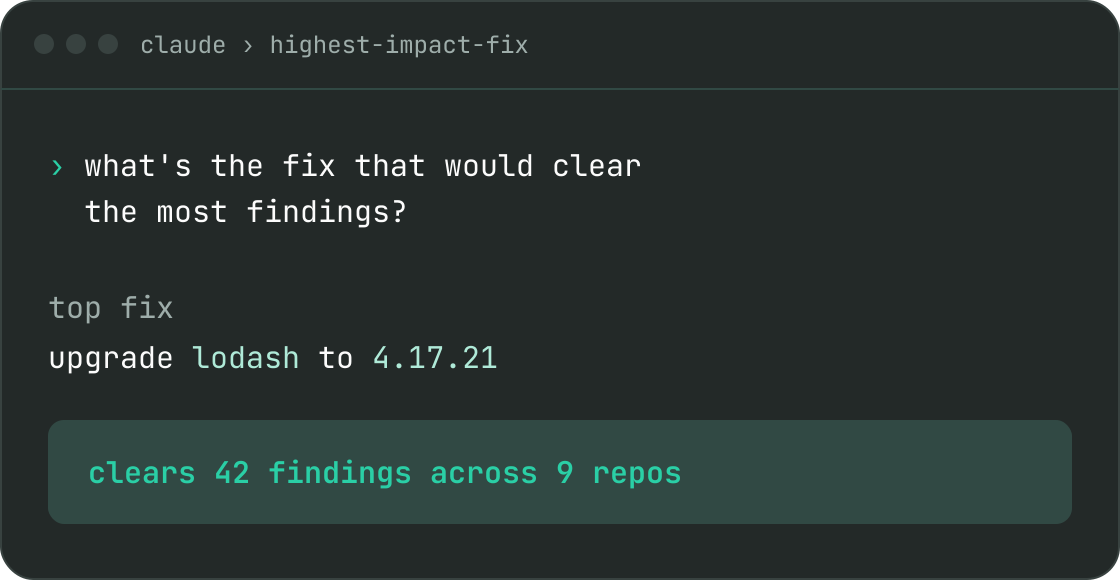
Find the fix that clears the most findings
Any task completed in seconds, without having to navigate new dashboards.
Your agent searches, filters, and counts tracks findings across Code, Supply Chain, Secrets, and Semgrep Agentic Workflows, then triages, ignores, or reopens them in bulk. It generates autofixes, starts AI fix jobs, and opens fix PRs in bulk, reusing your team's triage memories.
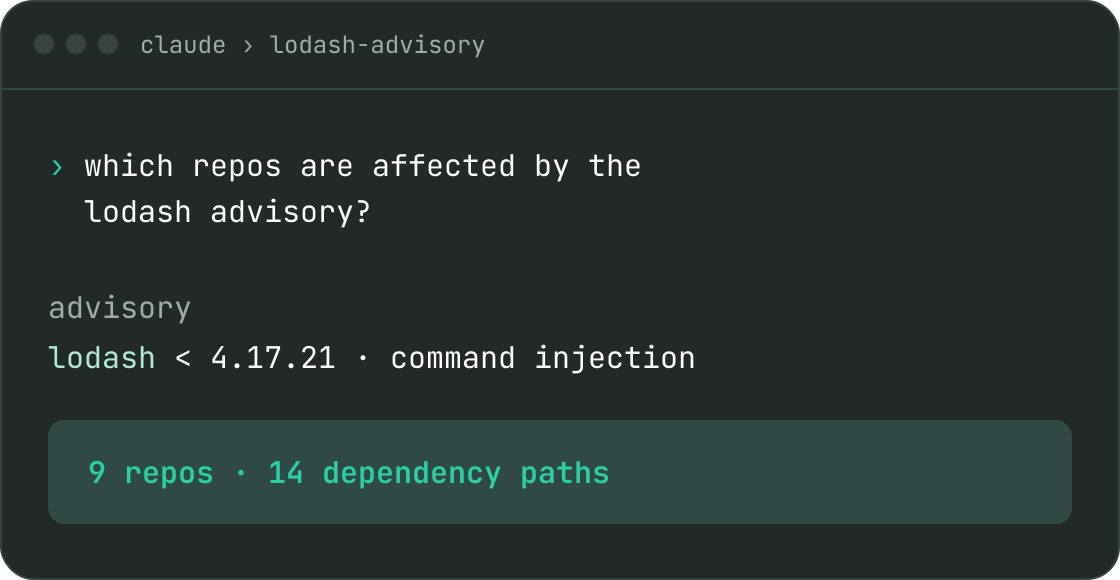
Trace an advisory to every repo it touches
Ask about an advisory and your agent looks it up, lists your dependencies, and finds every affected repository, so you know the blast radius before you plan the upgrade.
When a scan fails, it finds the failed scan, reads the logs and errors, and retries it. It can also run managed scans, AI detection, and deep scans on demand.
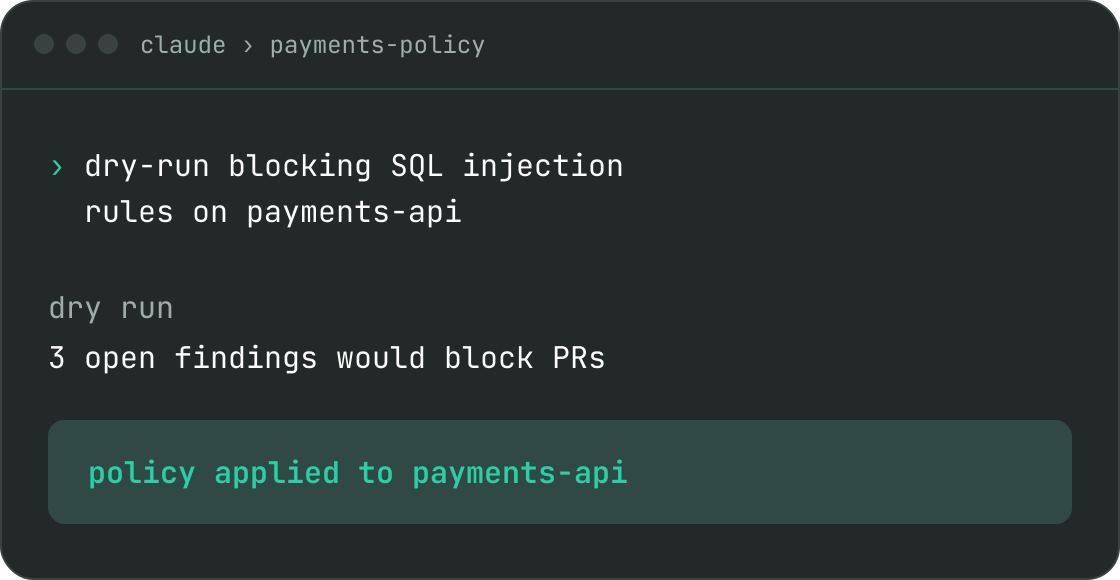
Tune what Semgrep looks for, safely
Search the Semgrep Registry and your org's custom rules, test patterns against code, and dry-run a policy before you apply it. Include or exclude rules per project or tag, and configure Guardian rules in the same conversation.
Then ask how your program is doing. Your agent reports the backlog by severity, product, or rule, the median open age, findings activity, and Guardrails adoption.
Route findings to where your team already works
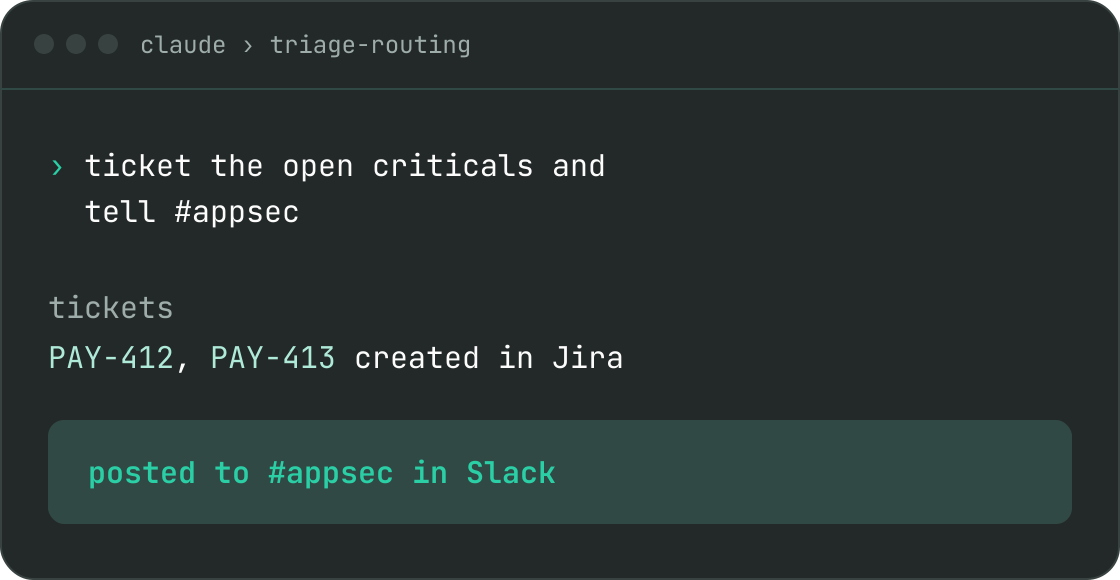
Create Jira and Linear tickets, link existing tickets to issues, route Slack notifications, and build automations. When an automation fails, your agent finds and debugs it, and every answer deep-links back to Semgrep.
Your agent can also trigger and schedule Semgrep Agentic Workflows, read job status and task logs, and track credit usage.
Install in seconds
Remote MCP over HTTP. Add the server in Claude or ChatGPT desktop, your editor, or the CLI, then sign in once and every Semgrep tool works as you.
Run this in your terminal, then run /mcp in Claude Code to sign in.
claude mcp add --transport http semgrep https://semgrep.dev/api/mcpRun these in your terminal. The login command opens your browser for OAuth.
codex mcp add semgrep --url https://semgrep.dev/api/mcp
codex mcp login semgrepAdd this to ~/.cursor/mcp.json. Cursor asks you to sign in on first use.
{
  "mcpServers": {
	"semgrep": {
	  "url": "https://semgrep.dev/api/mcp"
	}
  }
}Run this in your terminal, or add the server to .vscode/mcp.json under servers.
code --add-mcp '{"name":"semgrep","type":"http","url":"https://semgrep.dev/api/mcp"}'Add the server URL in Settings → Connectors on Claude desktop, then sign in when prompted.
https://semgrep.dev/api/mcpAdd the server URL in Settings → Connectors on ChatGPT desktop, then sign in when prompted.
https://semgrep.dev/api/mcpWorks with any client that supports remote MCP over HTTP with OAuth.
{
  "mcpServers": {
	"semgrep": {
	  "type": "http",
	  "url": "https://semgrep.dev/api/mcp"
	}
  }
}Paste the server URL in your app's connector settings, or add it via the CLI.
Your browser opens. Sign in.
"What's critical in this repo, and can you fix it?"
Secure from the start
Pick your own auth adventure.
Just sign into your Semgrep account and your agent gets to work with the same permissions as you.
Generate a READ_ONLY token and prevent your agent from making any changes on your behalf.
Generate a token, then send it as a header.
Send your Semgrep token as a bearer header. Keep the token in an environment variable.
{
  "mcpServers": {
	"semgrep": {
	  "type": "http",
	  "url": "https://semgrep.dev/api/mcp",
	  "headers": {
		"Authorization": "Bearer ${SEMGREP_APP_TOKEN}"
	  }
	}
  }
}